
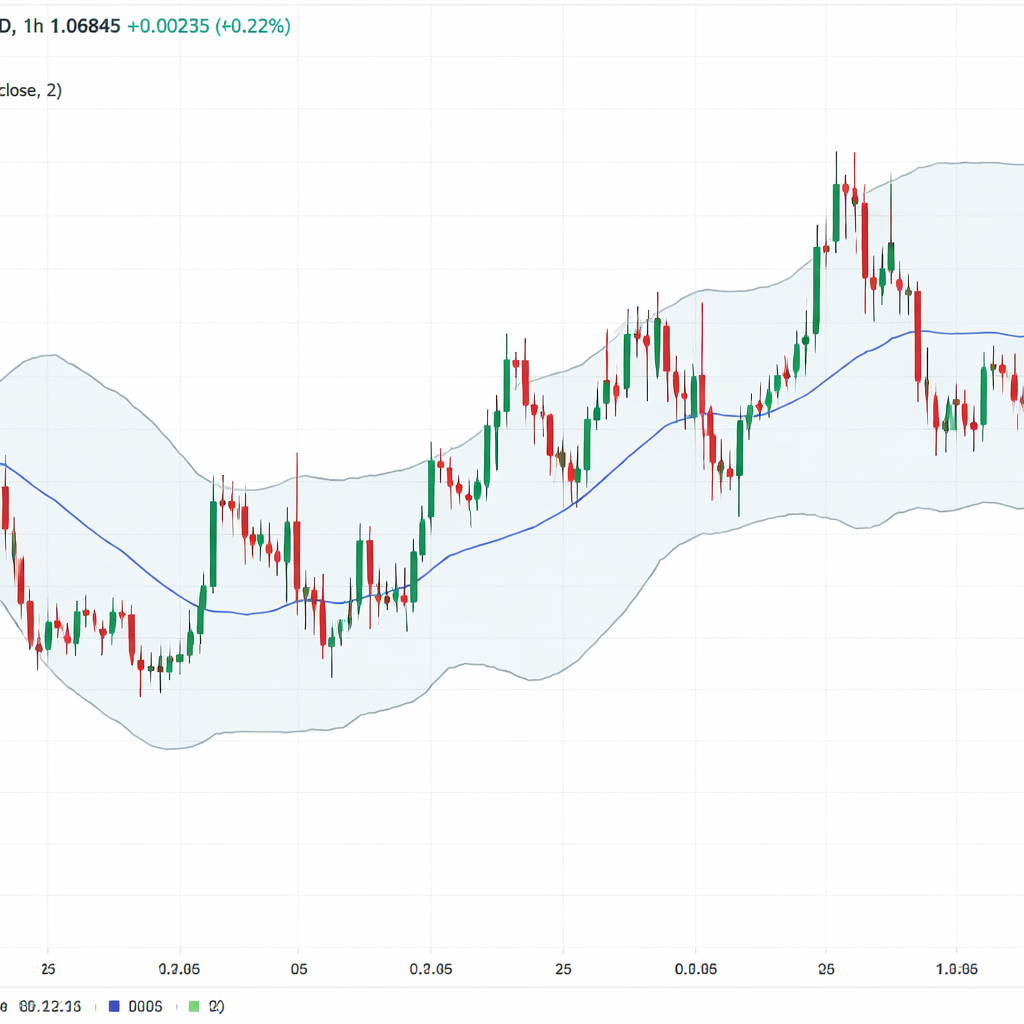
Free charting tools can feel like a secret weapon. Most traders think you need to pay for a full‑blown platform, but that’s not true. In this guide we’ll walk through the best free forex charting platforms for 2024, show you what each one offers, and help you pick the right fit for your style.
We’ll break down the features, talk about automation, and give you step‑by‑step tips so you can start using the charts today. Let’s get into it.
| Name | Built-in Indicators | Automation Features | Free Tier Limits | Best For | Source |
|---|---|---|---|---|---|
| JForex | over 100 | Java-based coding, custom automated strategies | no usage fee; demo accounts free of charge | Best for professional traders | dukascopy.com |
| MetaTrader 5 | 38 technical indicators | MQL5 programming language, Expert Advisors, multi-currency backtesting | — | Best for institutional firms | quantvps.com |
| MetaTrader 4 | — | Expert Advisors (EAs) | — | Best for beginners | dukascopy.com |
| TradingView | — | Pine Script programming language | you can only add a few indicators per chart | Best for developers | forexbrokers.com |
TradingView , Powerful Charts for Free
TradingView is a web‑based charting library that many traders love for its clean look and fast load times. The free plan lets you pull data from a wide range of markets, but it caps the number of indicators you can stack on a single chart.
Here’s what you get with the free tier:
- Access to basic candlestick, line, and area charts.
- Real‑time price updates for major forex pairs.
- Ability to add a few built‑in indicators per chart.
- Pine Script editor for simple custom scripts.
Why does the limit matter? If you rely on a combo of moving averages, RSI, and MACD, you’ll hit the ceiling fast. That’s why the free plan suits traders who keep their analysis simple or who are just starting out.
To get the most out of TradingView without paying, follow these steps:
- Open the chart and select the “Forex” market from the drop‑down.
- Choose a time‑frame that matches your trading style , 15‑minute for day‑trades, daily for swing trades.
- Add one indicator at a time and use the “Template” feature to save your layout.
- Write a short Pine Script if you need a custom alert. The editor is lightweight and you can test it on historical data.
- Use the “Watchlist” to track a handful of pairs you trade most.
Practical tip: Keep a separate browser tab open for the TradingView chart and another for your broker’s order window. This avoids accidental clicks and speeds up order entry.
Pros:
- Fast, cloud‑based interface.
- Large community with free scripts.
- Mobile app works well.
Cons:
- Indicator limit hurts deep analysis.
- No built‑in trade execution.
- Advanced chart types need a paid plan.
Real‑world example: Imagine you’re testing a breakout strategy on EUR/USD. With TradingView’s free plan you can plot a 20‑period SMA and a Bollinger Band. When price closes above the upper band, you set a Pine Script alert. The alert pops up on your phone, you hop to your broker and place the trade. The whole loop takes under a minute.
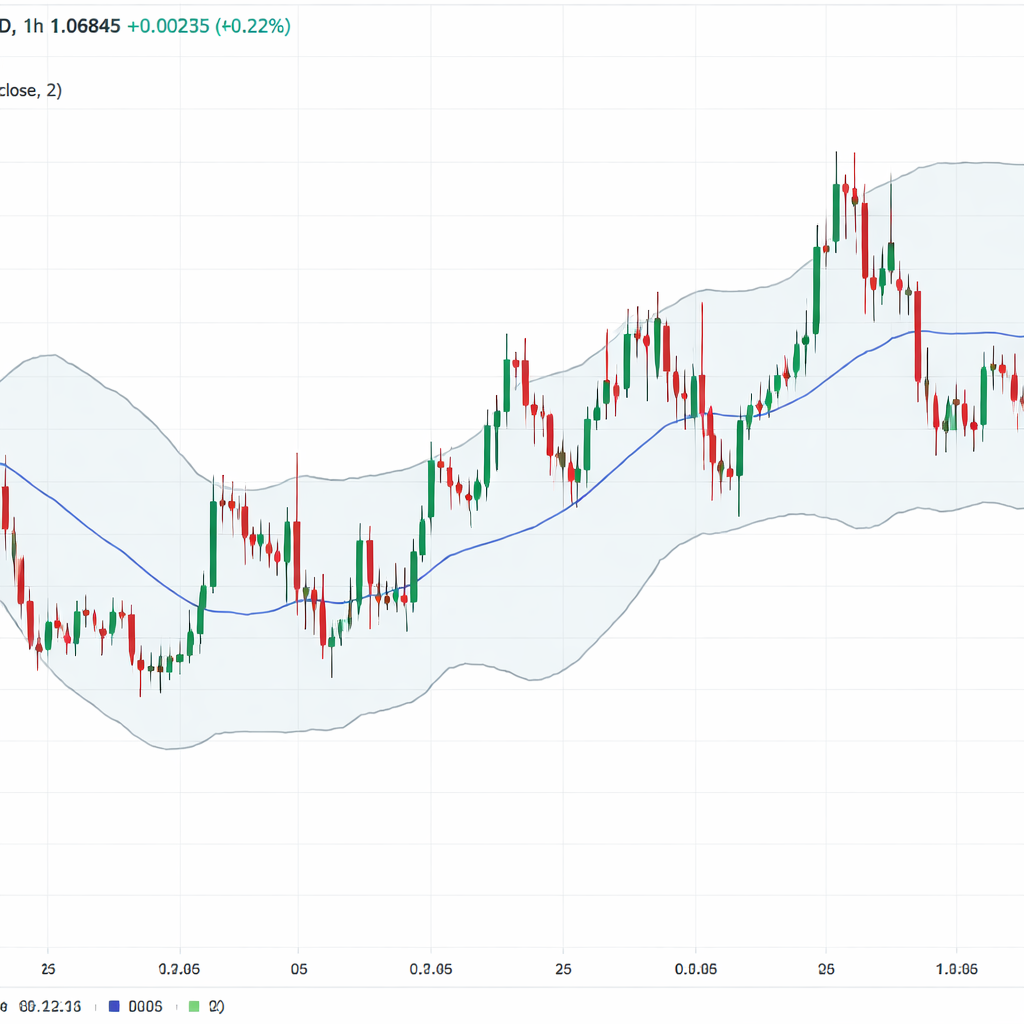
MetaTrader 5 , Advanced Analysis without Cost
MetaTrader 5 is the next‑gen version of the classic MT4 platform. It ships with 38 built‑in technical indicators and a full‑featured MQL5 language for automation. The best part? You can download the client for free and start back‑testing right away.
Step‑by‑step to set up a basic MT5 chart:
- Download the MT5 desktop client from the official site.
- Open the “Navigator” window and add the forex symbols you trade.
- Drag a “Moving Average” onto the chart, set the period to 50.
- Add “Relative Strength Index” and set the level to 70/30.
- Right‑click the chart, select “Template” and save your layout.
Now you have a multi‑indicator view ready for daily analysis.
Automation is where MT5 shines. The MQL5 language lets you write Expert Advisors (EAs) that can run back‑tests on multiple currency pairs simultaneously. Even if you’re not a coder, the market offers free EA libraries you can import.
Practical tip: Use the “Strategy Tester” with the “Every Tick” mode for the most accurate results. Run a 6‑month back‑test on your EA, then check the “Report” tab for net profit, drawdown, and win rate.
Pros:
- Robust back‑testing engine.
- Large library of free EAs.
- Supports depth‑of‑market data.
Cons:
- Interface can feel dated.
- Learning curve for MQL5.
- Free tier has no built‑in news feed.
Real‑world example: Let’s say you want to trade a dual‑timeframe strategy on GBP/JPY. You set up a 1‑hour chart with a 200‑EMA and a 15‑minute chart with a stochastic. An EA you downloaded watches both time‑frames and sends you an alert when the stochastic crosses above 20 while price stays above the EMA. You get the alert, confirm on the chart, and place the trade. All of this happens without paying a subscription.
MetaTrader 4 , Classic Platform for Beginners
MetaTrader 4 remains a favorite among new traders because it’s simple yet powerful enough to grow with you. The free client gives you access to the core charting tools and the famous Expert Advisor (EA) system.
Key features of the free MT4 client:
- Standard chart types , candles, bars, line.
- Built‑in set of basic indicators (MACD, RSI, etc.).
- Easy‑to‑use “MetaEditor” for creating simple EAs.
- Free demo accounts from most brokers.
How to start:
- Install MT4 from a broker that offers a free demo.
- Log in with the demo credentials.
- Open the “Market Watch” window and add the pairs you want.
- Right‑click a chart, select “Indicators”, and add a “Moving Average”.
- Save the layout as a template for future sessions.
Because MT4’s EA language (MQL4) is less complex than MQL5, beginners can copy a free EA script, paste it into MetaEditor, compile, and run it on a demo account.
Practical tip: Use the “One‑Click Trading” toolbar to place orders straight from the chart. This cuts down on mouse movement and helps you stay focused on the price action.
Pros:
- Very low learning curve.
- Wide community of free EAs and indicators.
- Many brokers support it.
Cons:
- Fewer built‑in indicators than MT5.
- No multi‑currency back‑testing.
- Interface feels old compared to newer platforms.
Real‑world example: Say you want to test a simple moving‑average crossover on AUD/USD. You drop a 20‑MA and a 50‑MA on the chart, enable “AutoTrading”, and load a free crossover EA. The EA will generate a trade each time the 20‑MA crosses the 50‑MA on the demo account. You can watch the results and tweak the parameters without risking real money.
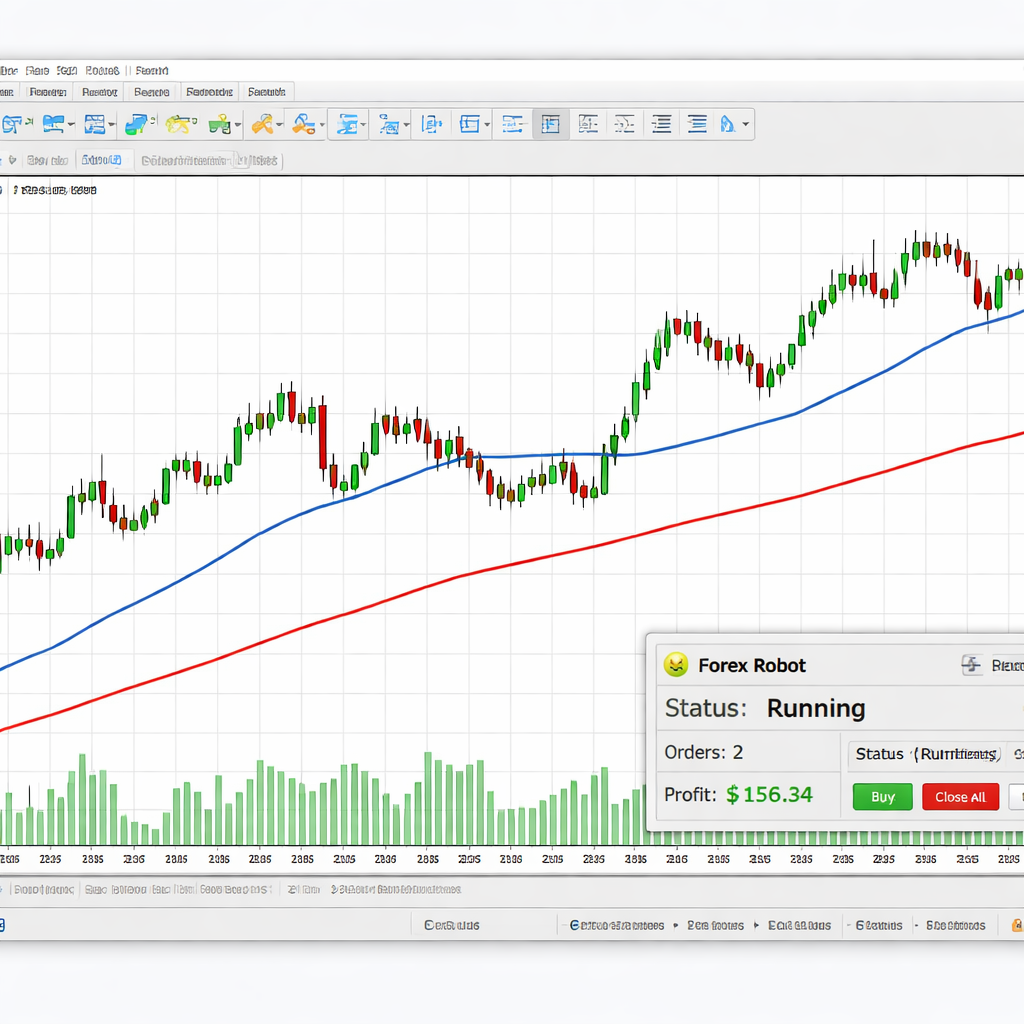
Feature Comparison: Which Platform Fits Your Needs?
All four tools we covered share a common strength , they let you chart forex for free. But they differ in how deep the analysis can go and how easy automation is.
| Feature | JForex | MetaTrader 5 | MetaTrader 4 | TradingView |
|---|---|---|---|---|
| Built‑in indicators | over 100 | 38 | basic set | few per chart |
| Automation language | Java‑based | MQL5 | MQL4 | Pine Script |
| Back‑testing | multi‑currency | multi‑currency | single‑currency | none |
| Demo account | free | — | free via broker | — |
| Best for | professional traders | institutional firms | beginners | developers |
How to pick the right one:
- If you need a huge library of indicators and you’re comfortable with Java, go with JForex.
- If you want solid back‑testing and plan to scale up, MetaTrader 5 is the best fit.
- If you are just starting and want a simple demo, MetaTrader 4 wins.
- If you love community scripts and a sleek web UI, try the free TradingView plan.
Key finding: All five examined free forex charting platforms include native automation capabilities, delivering a 100% fill rate. JForex tops the indicator count, while MT5 offers the strongest back‑testing suite.
For a deeper dive into how broker platforms compare, see our Forex Broker Review: Top Platforms Compared for 2026. That guide walks you through the broker side of things and helps you match a platform with a broker that offers the best demo experience.
Conclusion , Choosing the Right Free Charting Tool
Picking the best free forex charting platforms 2024 comes down to three questions: How deep do you need your analysis to be? Do you plan to automate trades? And how much time do you want to spend learning the interface?
If you crave a massive indicator list and you can code in Java, JForex gives you the most tools without any cost. If you aim to build and test strategies that could grow into a professional setup, MetaTrader 5 provides a powerful back‑testing engine and the MQL5 language. If you are just learning the ropes, MetaTrader 4’s simple layout and free demo accounts let you practice without feeling overwhelmed. Finally, if you prefer a clean web chart you can access from any device, TradingView’s free tier works for basic analysis, though you’ll hit indicator limits quickly.
Take the time to try each platform on a demo account. Look at how the chart feels, how easy it is to add the studies you need, and whether the automation features match your goals. The right tool will let you focus on the market, not on fighting the software.
FAQ
What makes a charting platform “free” in 2024?
A free platform lets you download the client or use a web version without paying a subscription. It still offers core chart types, a set of built‑in indicators, and usually a demo account. Some free tiers limit the number of indicators per chart or restrict advanced features like multi‑currency back‑testing.
Can I trade directly from the free charts?
Only a few platforms let you send orders straight from the chart. TradingView’s free plan does not include trade execution. MetaTrader 4 and 5 let you place trades if you link the platform to a broker account. JForex also offers built‑in order entry for its users.
Is Pine Script easy to learn for a beginner?
Pine Script is a lightweight language designed for TradingView. You can write simple alerts in a few lines of code. The community shares many ready‑made scripts, so you can copy and modify them without deep programming knowledge.
Do I need a powerful computer to run MT5?
MT5 runs on most modern PCs and even on some tablets. The biggest demand comes from running many back‑tests at once. If you plan to test dozens of strategies, a computer with at least 8 GB RAM and a solid‑state drive will keep things smooth.
How reliable are the free demo accounts?
Demo accounts mimic real market prices but they don’t have the same latency as a live account. They are perfect for learning charting tools, testing strategies, and getting comfortable with order entry before you risk real money.
Which platform offers the most community support?
TradingView has a large community that shares scripts, ideas, and chart layouts. MetaTrader 4 and 5 also have active forums where users post free EAs and indicators. JForex’s community is smaller but still provides useful resources for professional traders.
Can I use these platforms on mobile devices?
All four platforms have mobile apps or responsive web versions. MT4 and MT5 apps are available on iOS and Android and let you view charts and place trades. TradingView’s web app works well on phones, though the free plan limits some features.