
Ever clicked on a glossy Forex signal that promised instant riches? Most of those claims fall apart under a simple reality check. In this article you’ll see seven specific picks that let you spot fake providers, test their claims, and keep your cash safe.
We’ll walk through each option, show you what to look for, and give you usable steps you can apply today. By the end you’ll have a toolbox you can trust.
1. SignalGuard (Our Pick) , Trusted Verification Platform
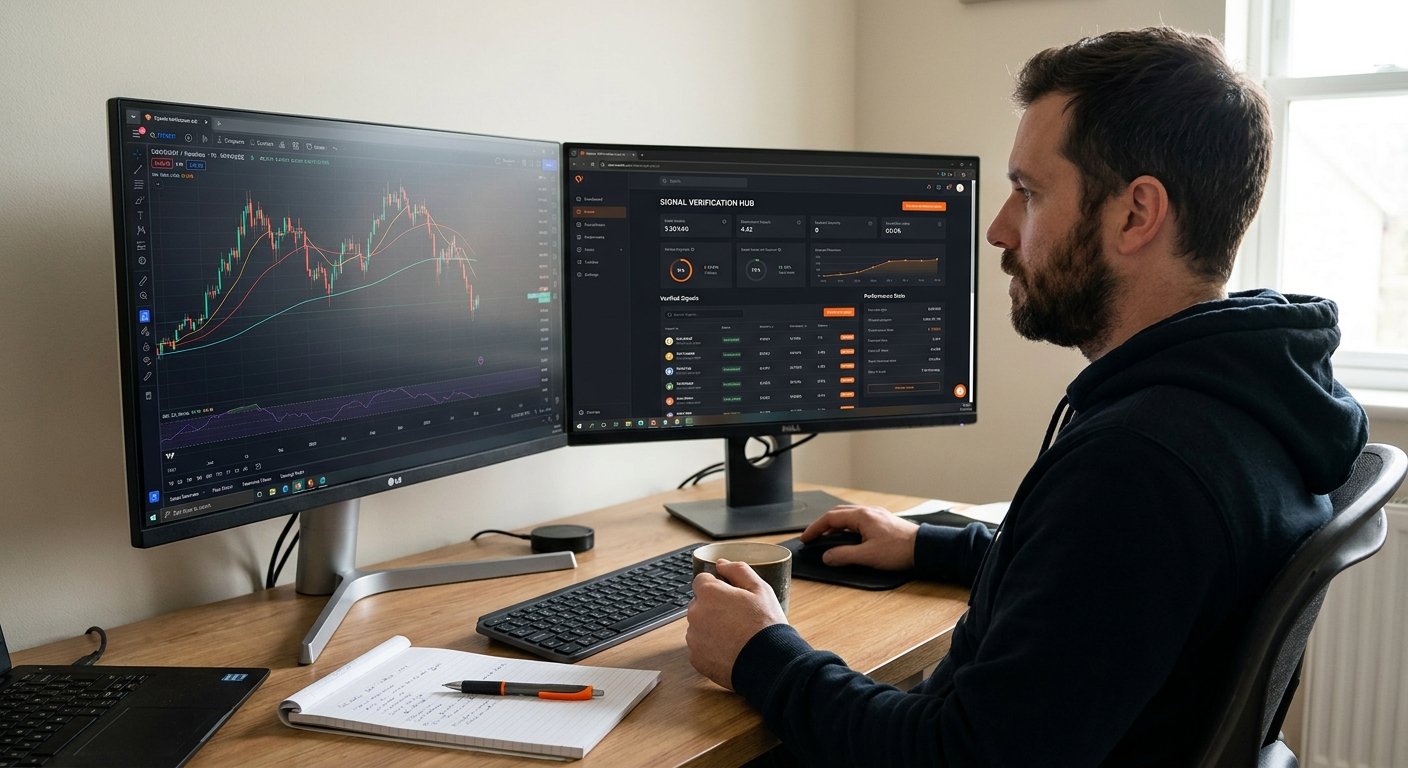
SignalGuard is a web‑based service that lets you cross‑check any Forex signal in real time. When a signal lands in your inbox, you paste the entry, stop‑loss and take‑profit levels into SignalGuard’s chart. The platform then runs three checks: does the price action support the entry? Is the risk‑to‑reward ratio sane? And does the signal line up with the economic calendar?
What makes it stand out is the built‑in Myfxbook verification. You ask the provider for a public Myfxbook link, and SignalGuard pulls the live equity curve, win rate and drawdown. If the numbers look cherry‑picked, the platform flags the signal.
Here’s how you could use it on a typical EUR/USD call:
- Copy the signal details into SignalGuard.
- Watch the chart auto‑draw the trade zones.
- Check the risk‑to‑reward; a good signal should be at least 1:1.
- Look at the Myfxbook equity line for consistency over the last 12 months.
If any of those steps raise a red flag, you walk away before you risk a single pip.
SignalGuard also offers a community forum where traders share screenshots of flagged signals. Seeing a pattern of deletions or edited screenshots is a strong hint that a provider is hiding losses.
Pros: real‑time chart overlay, Myfxbook integration, active community. Cons: requires a subscription after a 14‑day trial, and you still need to do your own analysis.
In a recent study of 30 red‑flag items, the most common complaint was “guaranteed profit” promises. SignalGuard’s verification step directly attacks that claim by demanding a full, timestamped trade log. Key Takeaway: If a signal can’t survive a simple chart overlay and Myfxbook check, it’s probably fake.
2. ForexSignalsPro , Premium Signal Service
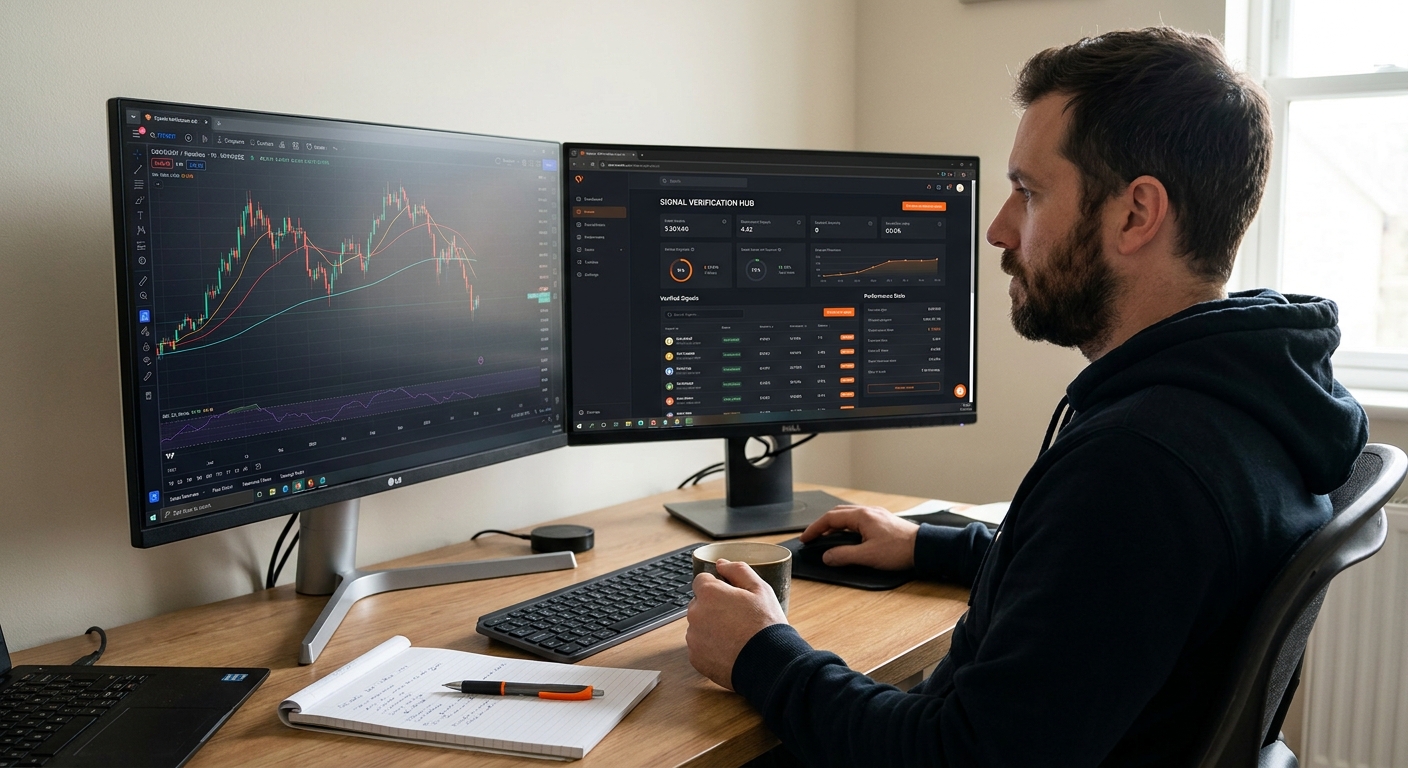
ForexSignalsPro is an app you can find on the Apple App Store. It markets AI‑driven alerts for Forex, crypto and stocks. The promise is instant push notifications with entry, stop‑loss, multiple take‑profits and a risk‑to‑reward figure.
What matters for fraud detection is transparency. The app’s description says you can view a full signal history and performance metrics. In practice, many users report that the “AI” often spits out generic entries that ignore the current market context.
To test the service, start with a free trial and do this:
- Enable push alerts and note the first three signals.
- Plot each trade on a TradingView chart.
- Check the risk‑to‑reward; many AI‑generated alerts show a tiny profit versus a huge stop‑loss.
- Compare the app’s performance chart with a Myfxbook‑style equity curve (you can export the data).
If the equity curve looks too smooth, or the risk‑to‑reward is consistently below 1:1, the AI is likely over‑optimistic.
Another red flag is the “no trading experience required” tagline. Legitimate providers expect you to understand position sizing and risk limits. A service that claims you can copy‑paste trades without any knowledge is a warning sign.
Pros: multi‑asset coverage, easy mobile alerts, free trial. Cons: vague AI claims, no third‑party audit, subscription can be pricey.
When you pair ForexSignalsPro with SignalGuard’s verification, you get a quick sanity check on every AI alert. Pro Tip: Always back‑test the first 20 alerts on a demo account before you consider a paid plan.
3. TelegramSignalWatch , Community‑Driven Alerts
TelegramSignalWatch is a free bot that logs every signal posted in a Telegram channel. When a provider sends a message, the bot forwards a copy to a private chat, preserving the timestamp even if the original is later deleted.
Why this matters: scammers love to erase losing trades. By keeping a permanent record, you can later compare the claimed win rate with the actual outcomes.
To use the bot, join a signal channel, add the bot, and set it to forward messages. After a week, download the CSV and run a simple spreadsheet analysis:
- Count total signals.
- Calculate how many hit the stop‑loss.
- Compute the average risk‑to‑reward.
- Look for “deleted message” placeholders , each one is a red flag.
If the bot shows a 90% win rate but you see many deleted entries, the provider is likely inflating results.
Community feedback also helps. A quick scan of Reddit or Trustpilot can reveal whether members report hidden fees or forced account‑login requests.
Pros: free, preserves evidence, works with any Telegram channel. Cons: requires a bit of setup, data is only as good as the channel’s honesty.
For a deeper look at how to read a Forex signal, check out How to Trade Forex Without Signals , A Step‑by‑Step Guide. It explains why you should never rely on a single source.
4. RedditFXAlert , Open‑Source Signal Sharing
RedditFXAlert is a subreddit where users post their own trade ideas and sometimes share signals from external services. Because it’s open, you can see the full discussion, including losers that other platforms hide.
One of the biggest red flags on Reddit is the lack of verifiable track records. Users often post screenshots of their MT4 platform, but those images can be edited.
To verify a Reddit post, ask the user for a Myfxbook link that shows the exact trade history. If they can’t provide one, treat the signal with suspicion.
Another clue is the language used. Phrases like “guaranteed profit” or “risk‑free” are almost always a scam. Real traders will talk about risk management and the possibility of loss.
Reddit also has a built‑in voting system. A post with a high up‑vote count but a low comment count could be a bot‑driven hype pump.
Pros: transparent discussion, free, community‑driven. Cons: no official verification, high noise level, potential for fake screenshots.
According to the U.S. Securities and Exchange Commission, any service that promises guaranteed returns without clear risk disclosure may be violating securities law ( SEC guide to investing). Keep that in mind when you see bold profit claims on Reddit.
5. MT4SignalScanner , Automated Screenshot Analyzer
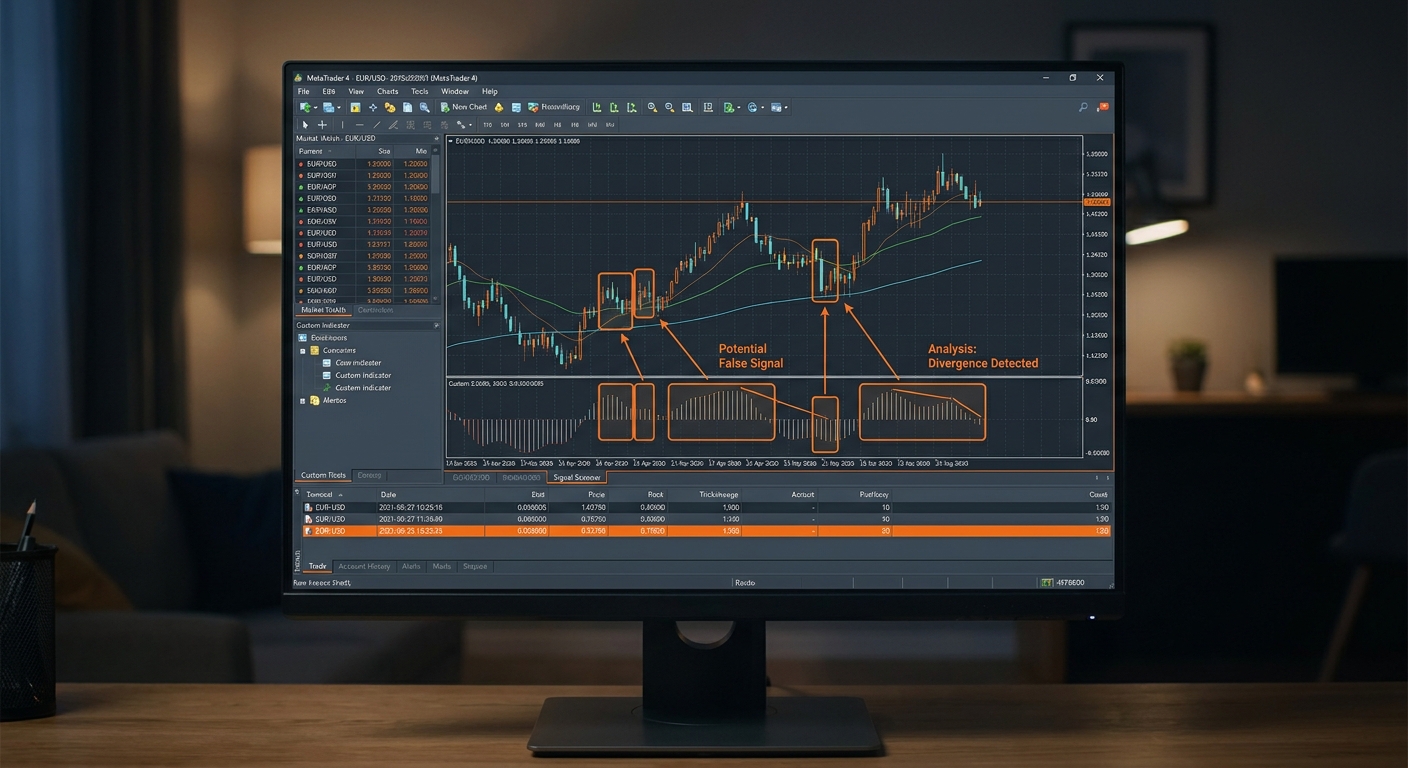
MT4SignalScanner is a desktop utility that scans MT4 screenshots for signs of manipulation. It looks for inconsistencies in timestamp metadata, pixel‑level edits, and mismatched chart scales.
The tool works like this: you drop a screenshot into the app, and it extracts the embedded EXIF data. If the screenshot’s creation time is after the trade was supposedly executed, the tool flags it.
It also runs an algorithm that checks whether the plotted price levels line up with actual market data from a historical feed. If the entry point shown on the screenshot never existed at that time, you’ve got a fake.
Many scam channels post “live profit” screenshots that look impressive but are simply edited. MT4SignalScanner catches those edits quickly.
Pros: quick visual verification, catches edited screenshots, free trial available. Cons: only works with MT4 images, requires a Windows PC.
In practice, you might receive a signal screenshot claiming a 100‑pip gain in five minutes. Run the image through the scanner , if the tool flags a mismatch, you know the claim is bogus.
Remember, a screenshot alone never proves a trade’s success. Always ask for a full, timestamped trade log.
6. FreeForexSignalHub , Free but High‑Risk Signals
FreeForexSignalHub offers a completely free Telegram channel that pushes three to five signals a day. The price tag is zero, which sounds great, but the lack of a paid model often means there’s no incentive to provide quality.
One common trick is to hide the stop‑loss level. The message will read “Buy EUR/USD at 1.0830, TP 1.0900” and leave out the SL. Without a stop‑loss, you’re exposed to unlimited downside.Another red flag is the “no registration required” stance. Legitimate services often require you to create an account so they can track performance and comply with regulations.
To protect yourself, follow these steps:
- Ask for the full trade parameters, including SL.
- Test the first ten signals on a demo account.
- Check the provider’s history on a public equity tracker.
- Watch for aggressive upsell messages (“Upgrade now for 99% accuracy”).
Free signals can be useful for learning how a trade setup looks, but never risk real money until you’ve verified the provider’s track record.
Pros: no cost, frequent alerts. Cons: missing risk data, likely unregulated, high chance of cherry‑picked wins.
Even a free service can be a stepping stone if you use it strictly for practice and combine it with a verification platform like SignalGuard.
7. DIY Signal Testing Toolkit , Build Your Own Checks
If you prefer full control, you can assemble a DIY toolkit using free resources. Here’s a simple stack that covers the main red flags:
- Charting: Use TradingView (free tier) to plot any signal manually.
- Performance Tracker: Myfxbook (free account) to host a public equity curve.
- Economic Calendar: Forex Factory or Investing.com for news events.
- Screenshot Analyzer: MT4SignalScanner (free trial) for image checks.
Step‑by‑step workflow:
- Copy the signal details into TradingView and add key indicators (EMA, RSI).
- Verify that the entry aligns with a clear support or resistance zone.
- Open Myfxbook and request the provider’s link. Look for a consistent win rate above 45% and a drawdown under 20%.
- Cross‑check the signal time with the economic calendar. If the signal lands right before a high‑impact news release, treat it with caution.
- If the provider sent a screenshot, run it through MT4SignalScanner.
The beauty of a DIY approach is that you can adapt each step to your own trading style. For example, swing traders might use daily charts, while scalpers stick to 5‑minute frames.
Pros: fully customizable, no subscription fees, teaches you the verification process. Cons: requires more time, you must manage multiple accounts.
Once you’ve built this workflow, you’ll be able to spot fake signals quickly, no matter where they appear.
How to Choose a Reliable Forex Signal Provider , Quick Checklist
Below is a concise checklist you can print out or keep on your phone. Use it every time you meet a new signal source.
Keep this list handy. If a provider fails even one item, walk away.
FAQ
What is the easiest way to verify a Forex signal’s win rate?
The most reliable method is to ask for a public Myfxbook link that shows a live equity curve. Look for a consistent win rate above 45% over at least a year and a drawdown that stays under 20%. If the provider can’t produce that, the win rate is likely fabricated.
Can I trust signals that come with a “guaranteed profit” promise?
No. A guaranteed profit claim violates basic market theory , no one can predict price movement with certainty. The research shows that such promises are the most common red flag. Always demand a full trade log and treat any guarantee as a red flag.
How do I know if a signal’s screenshot is real?
Use a tool like MT4SignalScanner to examine the image metadata and compare the plotted levels with historical price data. If the timestamps don’t match the trade time, the screenshot is likely edited.
Are free signal groups ever useful?
They can be useful for learning how a trade setup looks, but you should never risk real money on them until you’ve tested the signals on a demo account and verified the provider’s performance with an independent tracker.
What role does regulation play in signal safety?
Regulation ensures that a broker follows strict capital and client‑protection rules. If a signal provider recommends an unregistered broker, you have no legal recourse if the service disappears. Always verify the broker’s licence on the regulator’s website.
Should I share my account login with a signal service?
Never. A request for direct broker login is a classic scam technique. Legitimate providers only send you trade alerts; they never need control of your account.
How often should I back‑test a signal provider’s performance?
Run a back‑test on at least 30 signals using historical data. Look at the average risk‑to‑reward and the win rate. If the results are significantly better than market averages (50‑60% win rate), treat the provider with suspicion.
What’s a good risk‑to‑reward ratio for a reliable signal?
Aim for at least 1:1, though many experienced traders prefer 1:2 or higher. A ratio lower than 1:1 often means the provider is chasing tiny gains while exposing you to large losses.
Spotting fake Forex signal providers isn’t magic; it’s about applying a few disciplined steps and using the right tools. The picks above give you a solid starting point. Pair them with a healthy dose of skepticism, and you’ll protect your capital while you learn the market.
If you want to dive deeper into building a self‑reliant trading plan, check out Forex Trading Plan Example PDF. It walks you through risk management, journal keeping and how to evaluate any signal service you encounter.