
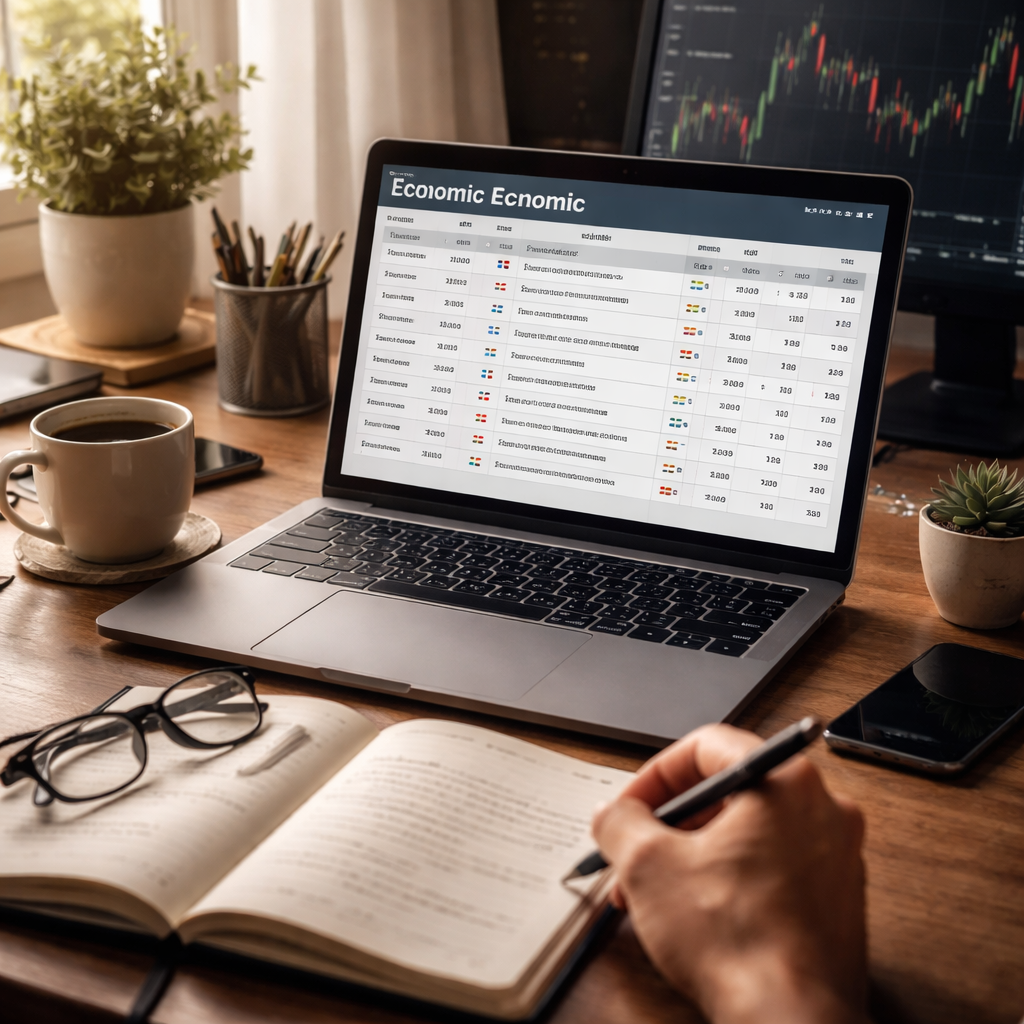
Most traders miss the biggest clue before a market move: the economic calendar. It shows when central banks speak, jobs data drops, or CPI numbers land. If you ignore it, you’re trading blind.
First, pick a reliable calendar and set it to your time zone. Then flag the events that move the pairs you trade. For a EUR/USD trader, the ECB rate decision and US non‑farm payrolls are must‑watch.
Next, give each event a color code – green for low impact, amber for medium, red for high. When a red event looms, shrink your position size or stay out. When the market is calm, you can look for setups that match your plan.
Here’s a quick routine:
- Check the calendar 30 minutes before the session starts.
- Mark the top three releases you’ll watch.
- Use a Pomodoro timer guide to split your analysis into focused 25‑minute blocks, with short breaks to avoid fatigue.
- Log the outcome in your trading journal and adjust the next day.
Finally, tie the calendar to a solid plan. The Forex Trading Plan Template: A Step‑By‑Step Guide for Beginners helps you embed news checks into every trade review, so you never miss a beat.
Step 1: Understanding the Economic Calendar
Before you can trade the news, you need to know what the calendar actually shows. It’s a simple list of dates, times, and events that can move a currency pair. Think of it as a daily schedule for the market – when the Fed speaks, when the Eurozone releases CPI, when Japan publishes its unemployment numbers.
Start by opening a reliable calendar and setting it to your local time zone. Most free calendars let you filter by region or impact level. Pick the events that matter to the pairs you trade. For a EUR/USD trader, the ECB rate decision and U.S. non‑farm payrolls are high‑impact items you’ll want front‑and‑center.
Next, give each event a quick visual cue. A green dot for low impact, amber for medium, and a red flag for high. When a red event is minutes away, you might trim your position or stay out entirely. When the calendar is quiet, you can look for setups that match your trading plan.
Here’s a simple routine to make the calendar work for you:
- Check the calendar 30 minutes before your session opens.
- Mark the top three releases you’ll watch.
- Break your analysis into focused 25‑minute blocks using a timer.
- Log the result in your journal and tweak the next day.
Want a quick visual guide on how to split your prep time? The video below walks you through a step‑by‑step timer setup.
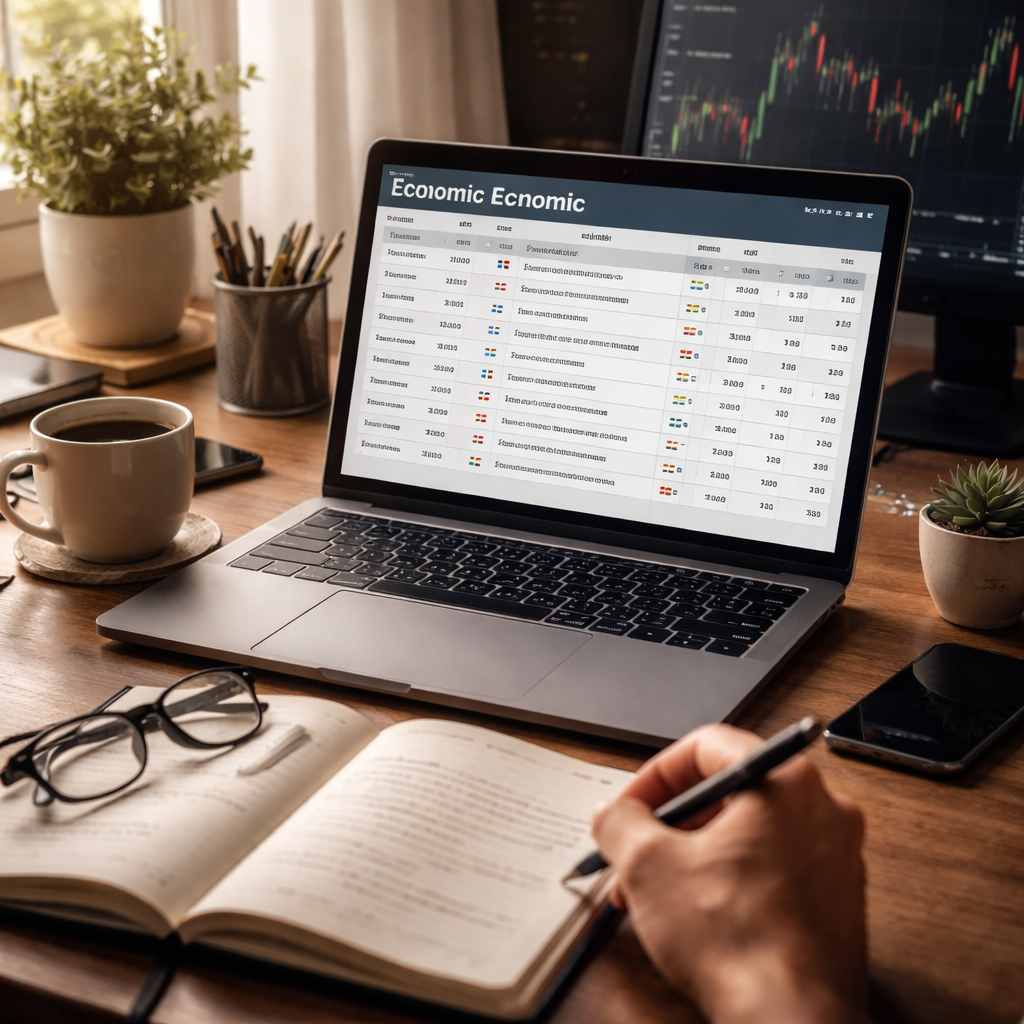
After the video, picture a clean desk with a laptop open to the calendar, a cup of coffee, and a notepad ready for notes. That scene helps remind you that trading is a habit, not a sprint.
Step 2: Identifying Relevant Forex Events
Knowing which news moves a pair is half the battle. If you chase every release you’ll end up stressed and pay more spread.
Start with the impact rating. Red or big‑impact items can swing a pair 30 pips or more. Amber or mid‑impact events move it a few pips. Green or low events usually do not change price much.
Focus on the data that really shakes the market. Central‑bank rate decisions, US non‑farm payrolls, CPI or inflation reports, GDP numbers and trade‑balance releases are the heavy hitters.
Pick three to four events each week that match the currencies you trade. If you trade EUR/USD, watch the ECB rate call, US payrolls and the Eurozone CPI. Skip the tiny regional surveys that barely affect the pair.
When you open the calendar, note the time, the country, the expected impact and the consensus figure. Write these points down so you can compare the real number to the forecast when it drops.
Watch the gap between the forecast and the actual number. A big surprise often creates the strongest move. Note whether the surprise is positive or negative – that tells you which way the pair may drift.
Use a simple checklist before the session starts: time zone check, impact filter, currency filter, and a quick look at the previous release. This keeps your focus tight and stops you from missing a big move.
Does this sound like a lot? It only takes a few minutes a day, and the habit builds a clear map of when the market may jump.
For a deeper walk‑through of how to set up your calendar, see this economic calendar guide.
Step 3: Interpreting Data & Planning Trades
Now that you’ve flagged the events, the next job is to read the numbers and decide what they mean for your pair.
Read the numbers, spot the surprise
When the data drops, glance at the consensus figure you wrote down. If the actual number is far above or below that guess, you’ve got a surprise.
A positive surprise (actual > forecast) usually lifts the currency tied to that economy. A negative surprise does the opposite. This simple rule works for most high impact releases.
Don’t just look at the headline. A closer look can show whether the surprise is driven by a single component, like core CPI versus headline CPI. That can hint at how long the move might last.
Turn the surprise into a trade plan
First, decide if you’ll trade right away or wait for the market to settle. Many traders jump in within the first few minutes to catch the initial spike. Others wait 15 to 30 minutes for the noise to calm.
Set a clear entry level. A common method is to place a pending order a few pips beyond the breakout point you see on the chart. That way you only get filled if the move continues in your direction.
Next, define your stop. A tight stop just beyond the opposite side of the breakout helps you limit loss if the surprise reverses. Your target can be a recent swing high/low or a measured move based on the size of the surprise.
Finally, write the plan in your trading journal before the release. Recording your entry, stop, target, and why you chose them forces you to think ahead rather than react.
Tip: If you’re not comfortable with the volatility, use a smaller position size. The same logic applies, just with less risk.
For a deeper look at why news driven moves happen, check out this Investopedia guide.
And if you want a quick start with a reliable calendar, the ACY Economic Calendar guide walks you through the setup.
Step 4: Building a Simple Calendar Routine
First, set your calendar to the time zone you trade in. That way the release times match your screen.
Next, pick three events you’ll watch each day. A common mix is a high-impact rate decision, a medium-impact jobs report, and a low-impact CPI number. Write the time, the currency pair, and the impact colour in a small notebook or a digital note.
Then, block your day around those times. Use a timer or a simple alarm to remind you 10 minutes before each release. When the alarm goes off, open the chart, pull up the news line, and check your plan.
Here’s a quick checklist you can run before every release:
- Is the economic calendar open and showing the right time?
- Did you note the consensus figure?
- Did you set a pending order or note your entry level?
- Did you decide your stop-loss and profit target?
- Is your risk per trade set to 1-2% of the account?
Running this list each time helps keep emotion out of the trade.
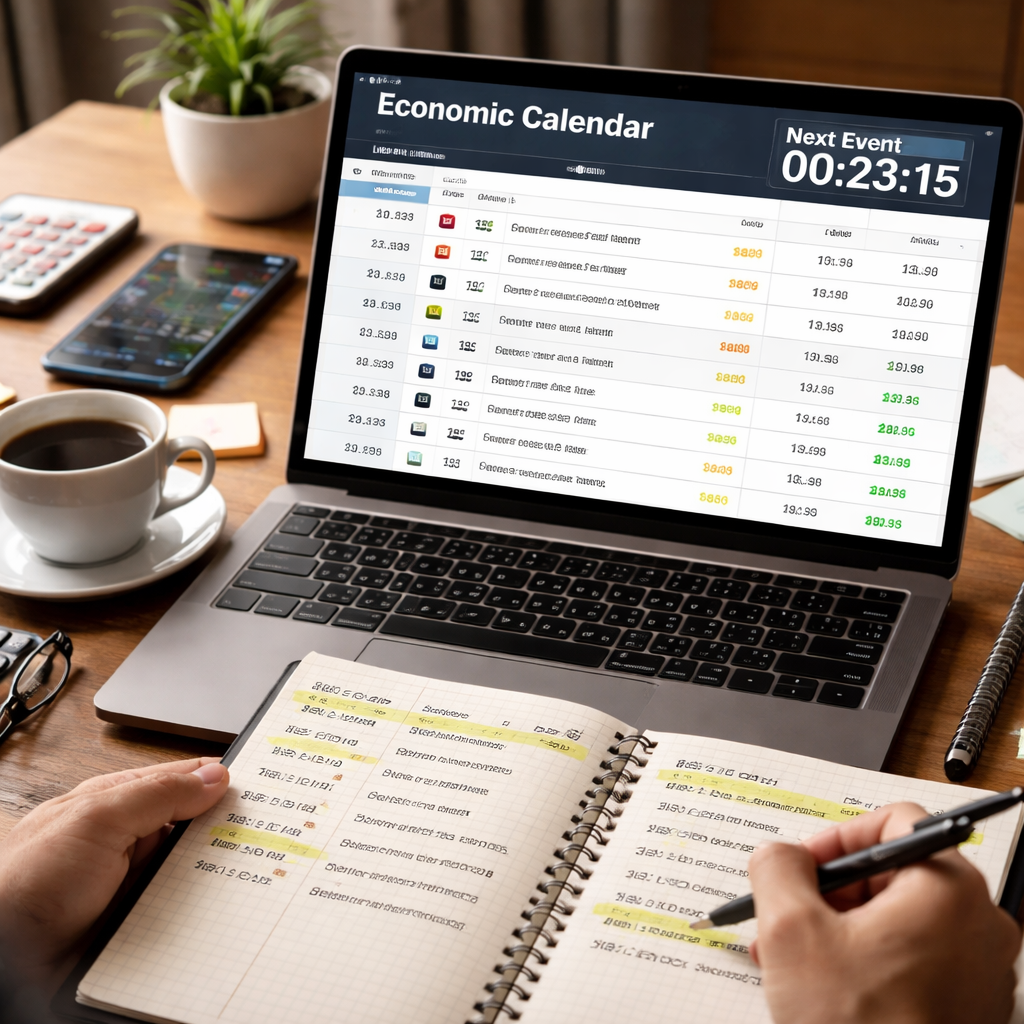
Below is a simple table that shows what to do at each step of the routine.
| Step | Action | Why it matters |
|---|---|---|
| 1. Time zone | Set calendar to your local time | Prevents missing the release |
| 2. Event list | Write three key releases | Focuses attention, avoids overload |
| 3. Alarm | Set a reminder 10 min early | Gives time to prepare chart |
Finally, after the market moves, log what happened. Note the price at the release, the direction, and whether your plan worked. Over a few weeks you’ll see patterns that help you tweak the routine.
Stick to this simple rhythm and you’ll turn the calendar into a habit, not a chore.
A quick tip is to use a colour-coded sticky on your monitor. Green for low-impact, amber for medium, red for high. When the colour flips to red, shrink your lot size or stay out. This visual cue works for both beginners and seasoned traders who need a fast reminder.
Review your routine every Friday. Ask yourself what worked and what didn’t. Adjust the event list or alarm timing as needed. A habit that evolves stays useful.
Conclusion
Mastering how to use economic calendar for forex trading boils down to a few simple habits.
First, set the calendar to your local time and flag the three biggest releases you care about. Then, use a quick alarm to give yourself a few minutes to glance at the consensus and plan a trade before the data drops. After the event, log what happened, price, direction, and whether your plan held.
Stick to this rhythm and you’ll turn a noisy news feed into a clear edge. It’s not magic; it’s consistency.
If you want a printable checklist, the FX Doctor blog offers a free forex trading journal PDF that fits right into this routine.
Now grab your calendar, set that reminder, and start building a habit that pays off over weeks, not days.
Take a few minutes each Friday to review the week’s entries. Ask yourself which signals were reliable and where you could tighten stops. Over time those tweaks sharpen your edge and keep the calendar routine fresh.
FAQ
How often should I check the economic calendar?
Check the calendar at least once each trading day. A quick glance before the major session opens lets you spot the big releases that could move the pair you trade. Then give yourself a reminder 10‑15 minutes before any red impact event. That way you have time to read the consensus, note the surprise potential, and set a plan.
What do the colour codes mean for my trades?
Green events usually cause only a small wiggle in price, so you can keep a normal size trade or even skip it if you want a calm day. Amber signals a medium move; many traders trim their lot size or tighten stops. Red events are the ones that can swing a pair dozens of pips, so most traders either shrink the position or stay out entirely until the noise settles.
How can I avoid missing a high‑impact release?
Set up an alert that pings your phone or desktop right before a high impact release. Most calendar tools let you add a 5 minute reminder for each red item. You can also sync the calendar line to your charting platform so a vertical line appears on the price chart. With both a sound cue and a visual cue you won’t miss the event even if you’re juggling other screens.
Should I trade right at the news or wait?
Trading the first few ticks can give you the biggest profit, but it also carries the highest risk of a quick reversal. If you’re comfortable with fast moves, place a pending order a few pips beyond the breakout point. If you prefer a smoother ride, wait 10 to 15 minutes for the initial shock to fade and then look for a clear trend. Both ways need a solid stop loss.
How do I record calendar trades in my journal?
Add a section in your trading journal just for news trades. Write the date, time, and the exact event you watched. Note the consensus number, the actual number, and the direction the pair moved in the first 10 minutes. Then record the entry, stop, target, and whether the plan held. Over time you’ll see which types of releases match your style best.
Is it safe to trade during low‑impact events?
Low impact (green) releases rarely move a pair more than a few pips, so they’re a good time to practice your entry technique without big risk. You can still use them to test a new chart pattern or to build confidence in reading the consensus. Just keep your position size small and treat the trade as a learning experiment rather than a profit hunt.